
Mahalakshmi Vidya Mandir · Experiential learning
Step inside the lesson
Explore a 3D model from different angles, observe a simulated environment, and connect what you see to the lesson.
Try the 3D demo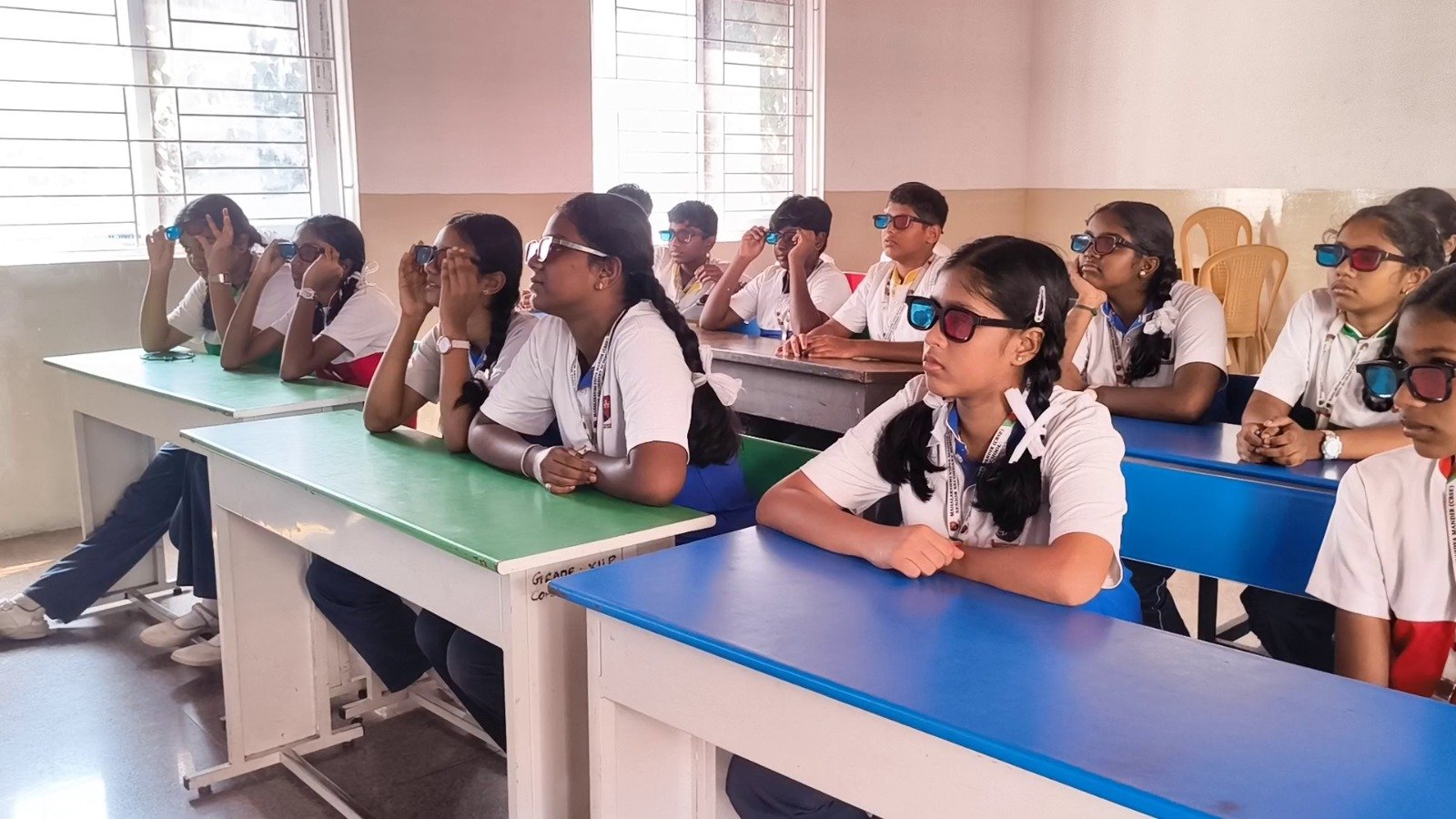
What are AR and VR?
Augmented reality
AR adds digital objects or information to a view of the real world. A digital model can appear on a desk and be viewed from different sides.
Virtual reality
VR places learners inside a simulated environment. A headset can show a scene that students can look around and discuss afterward.
Interactive demo
Turn the cube
Rotate this 3D model to see how a change in viewpoint reveals different faces.
Starting view
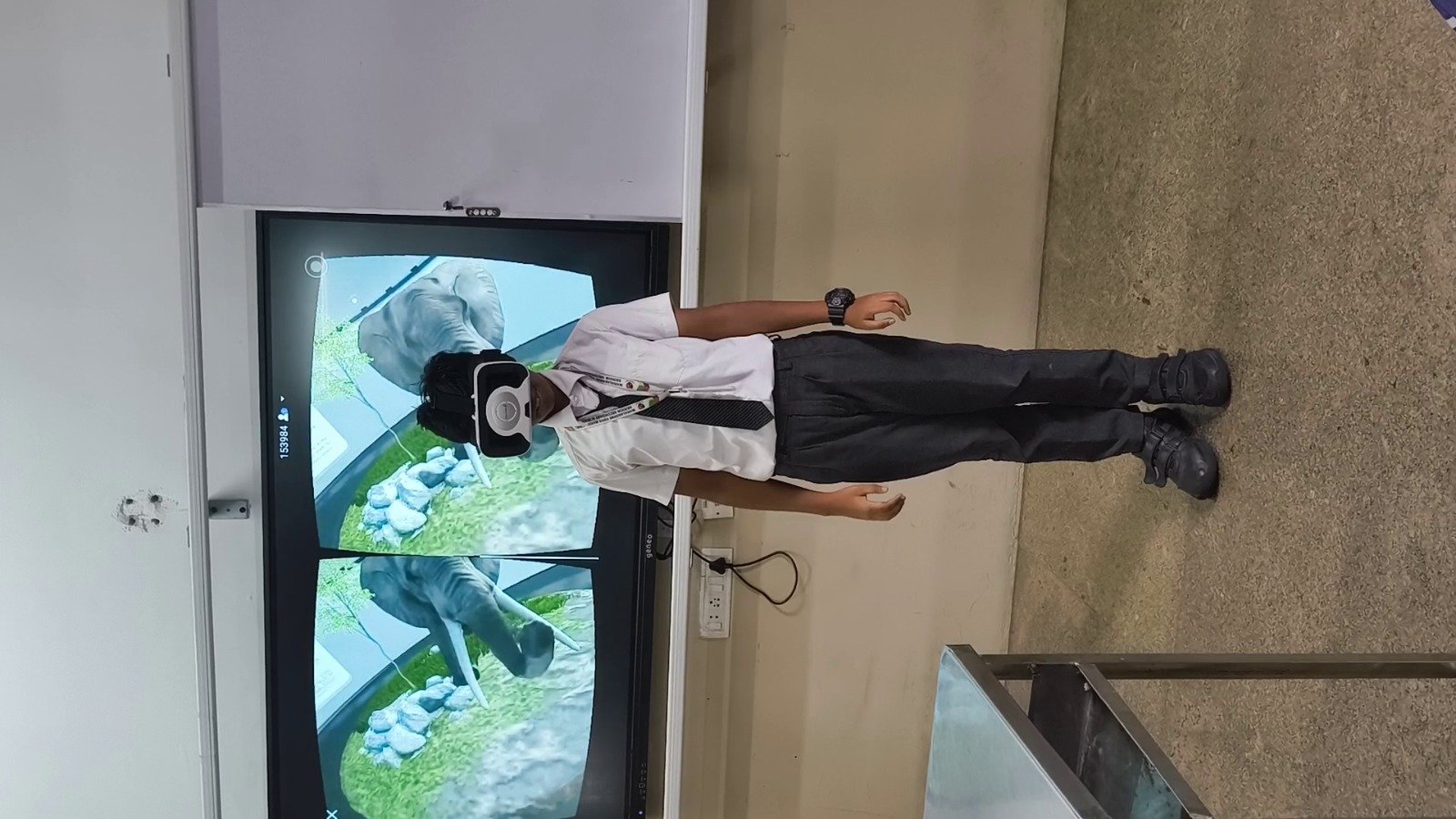
Inside the classroom
From observation to understanding
- 01
Observe
Notice details in the model or scene.
- 02
Explore
Change your viewpoint and compare what you see.
- 03
Discuss
Share observations and ask questions.
- 04
Apply
Connect the experience to the classroom lesson.