
Hands-on STEM learning
Design, build, test and improve
Robotics gives students a practical way to connect programming, engineering and problem-solving. They work through a design challenge, test what they build and revise their approach based on the results.
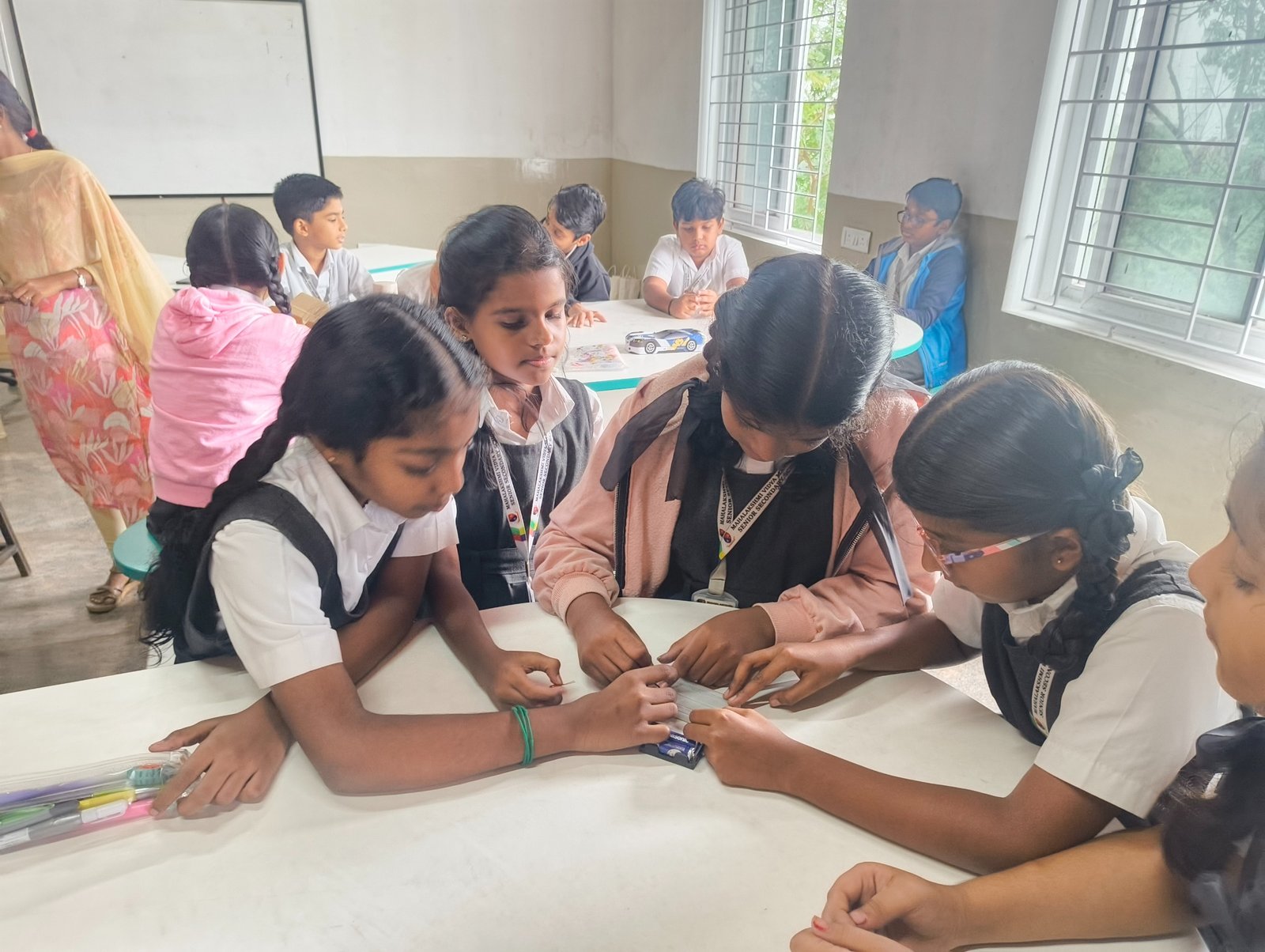
About robotics
Robotics brings together mechanical design, electronics and coding. A robot can use a sensor to detect what is happening around it, a program to decide how to respond, and a motor to turn that decision into movement.
- SenseRead an input such as light, distance or the press of a button.
- DecideUse instructions to choose what the robot should do with that input.
- ActSend a signal to an output such as a motor or an LED.
- ImproveTest one change at a time and compare the results.
For example, a wheeled robot can use a distance sensor to spot an obstacle and turn before it reaches it. If it turns too late, students can change the stopping distance, run the test again and explain what improved.
Robotics in the classroom
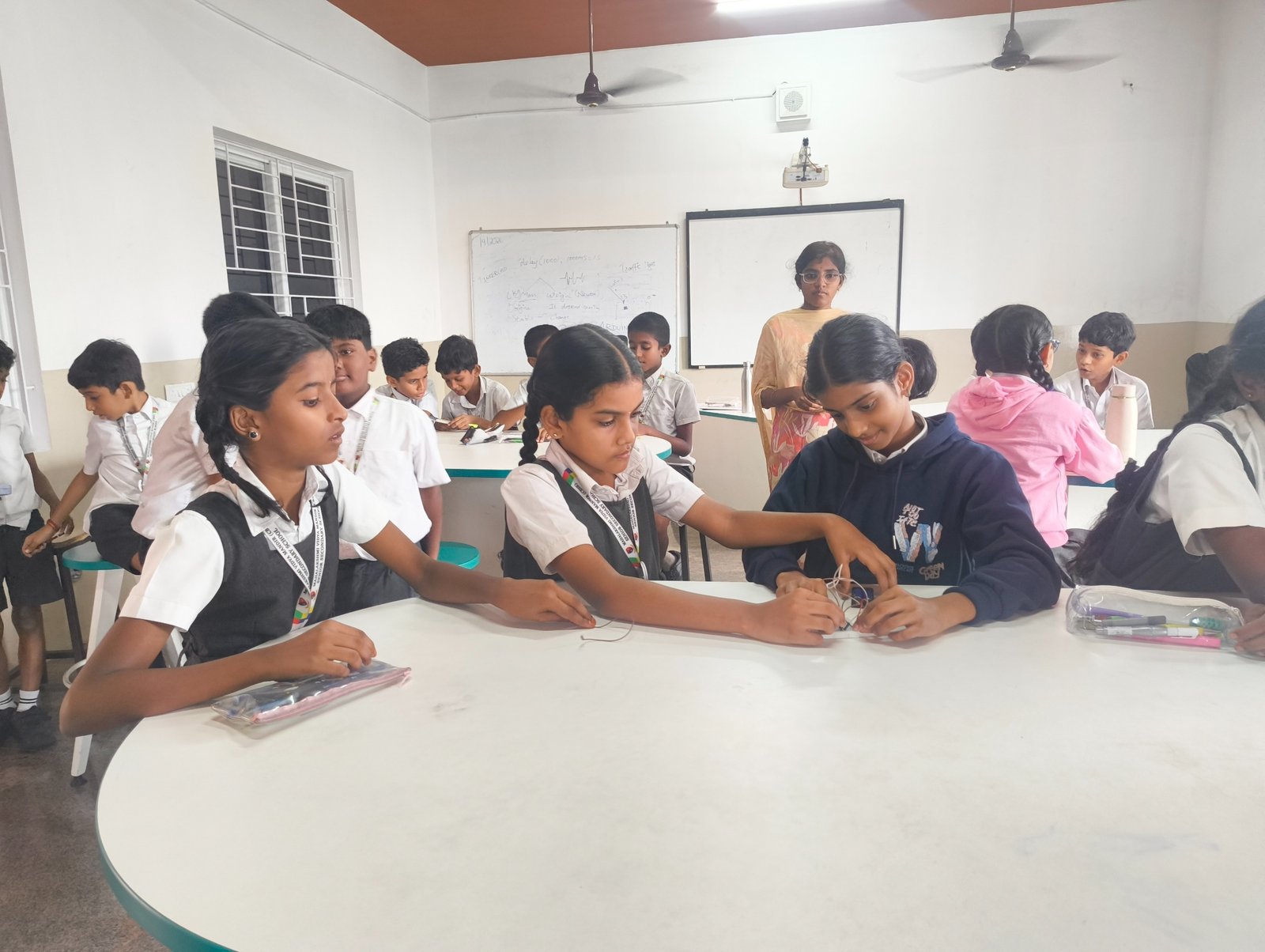
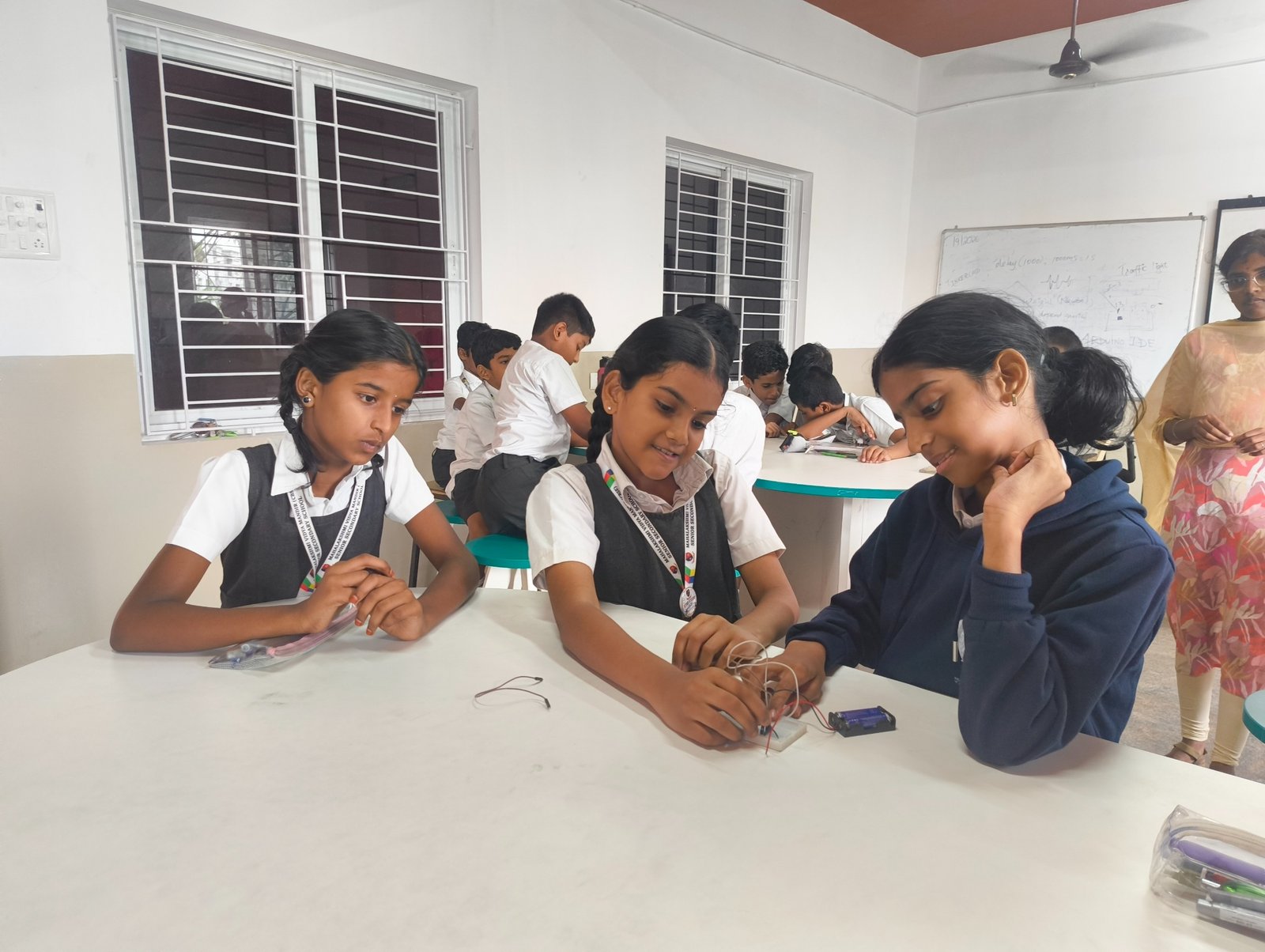
How students learn
- Discover programmingUse sequences and logic to plan how a model should respond.
- Build and testAssemble a model, try it out and look for what works and what needs to change.
- Work as a teamShare roles, explain design choices and learn from one another’s approaches.
The learning process
Imagine → Design → Build → Test → Improve
Meet the classroom robot
Move your pointer over this panel and watch the robot’s eyes follow it. Tap or select the button to make it wave.